AI Image to Image Generator:
Transform Your Photos

Upload a photo or reference image. Choose what to keep and describe what to change. Generate a new style, scene, or version with GPT Image 2.

Powered by GPT Image 2 Multi-Image Reference Photo Restyling Photo to Art
Explore the Examples
Your image. Your next idea.
Image-to-image · 3 credits

Start with what you have

What is AI Image to Image?

AI image to image creates a new image from an uploaded photo, sketch, or reference and a text prompt. Use it to explore a different visual style, change a scene, or combine references. Describe what should stay and what should change to guide the result.

One starting point. More possibilities.

See What Your Image Can Become

Start with a photo, sketch, or a set of references. Choose an example to load its prompt and available reference images, then customize it with your own images.

01Portrait restyling

Give Your Portrait a New Style

Turn your selfie into an avatar that feels like you. Explore anime, 3D, or editorial illustration, and describe the facial features and expression you want to keep.

Portrait Photo → Illustrated Avatar

02Product scenes

Put Your Product in a New Scene

Show your product on a sunlit kitchen counter, a sculptural pedestal, or a holiday table. Start from your own product photo and describe the setting your next campaign needs.

Product Photo → Campaign Setting

03Photo to art

Turn a Favorite Photo Into Art

Give a favorite photo a new look with watercolor, oil paint, or 3D character art. Describe the medium and mood, and use the original scene as the starting point for your artwork.

Favorite Photo → 3D Character Art

04Room concepts

Explore a New Look for Your Room

See a different direction for the room you already have. Upload a room photo and explore furniture, finishes, color palettes, and lighting for your next design concept.

Room Photo → New Interior Direction

05Sketch to image

Turn Your Sketch Into a Finished Concept

Make the idea in your sketch easier to see and share. Add materials, colors, and lighting to turn rough lines into a more developed product, character, or scene concept.

Rough Sketch → Detailed Concept

06Multi-reference creation

Combine Your References Into One Image

Bring your subject, setting, and visual style into one brief. Upload separate references and explain the role of each, so the next image starts from the details you chose.

Subject + Setting + Style → One Image

From reference to result

How to Transform an Image With AI
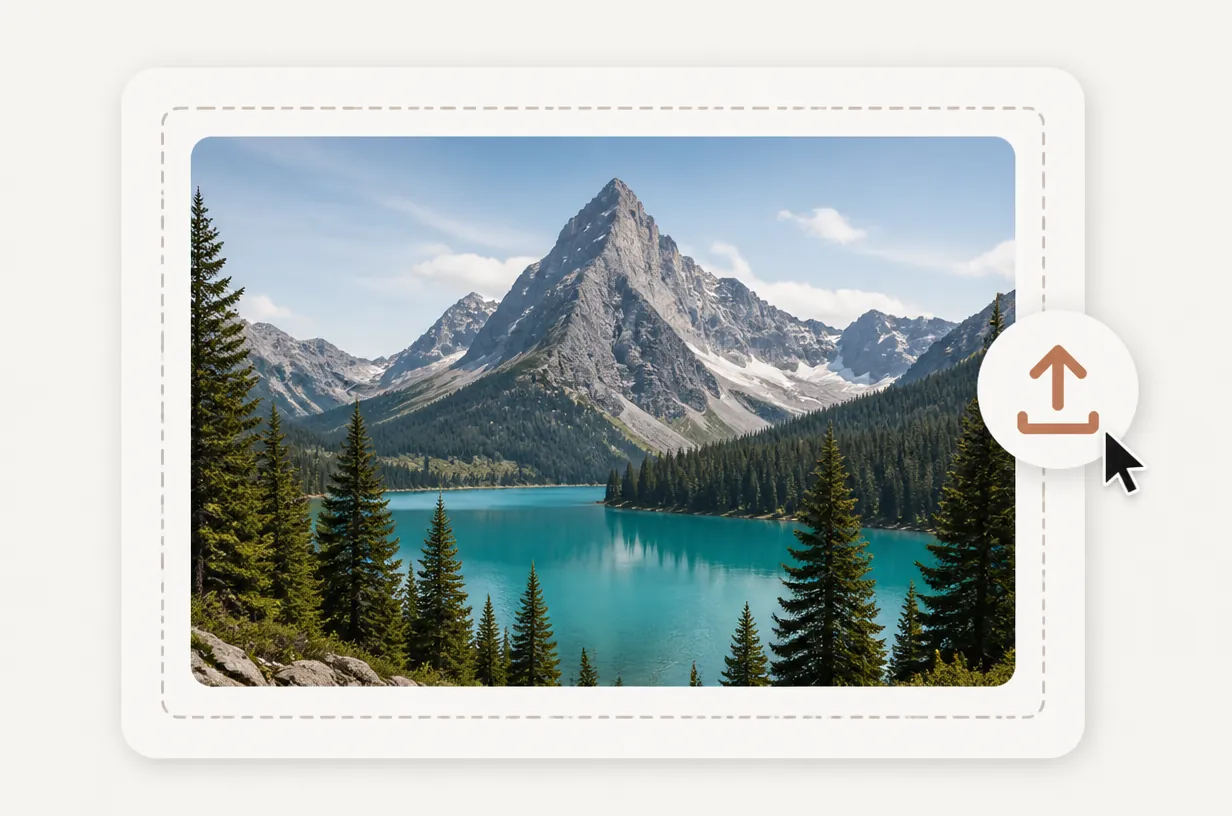
  1. A mountain and alpine lake photo in an upload area with an upload arrow.

    Upload your starting image

    Add a photo, illustration, or sketch. Include extra references when you want to combine a subject, setting, or style.

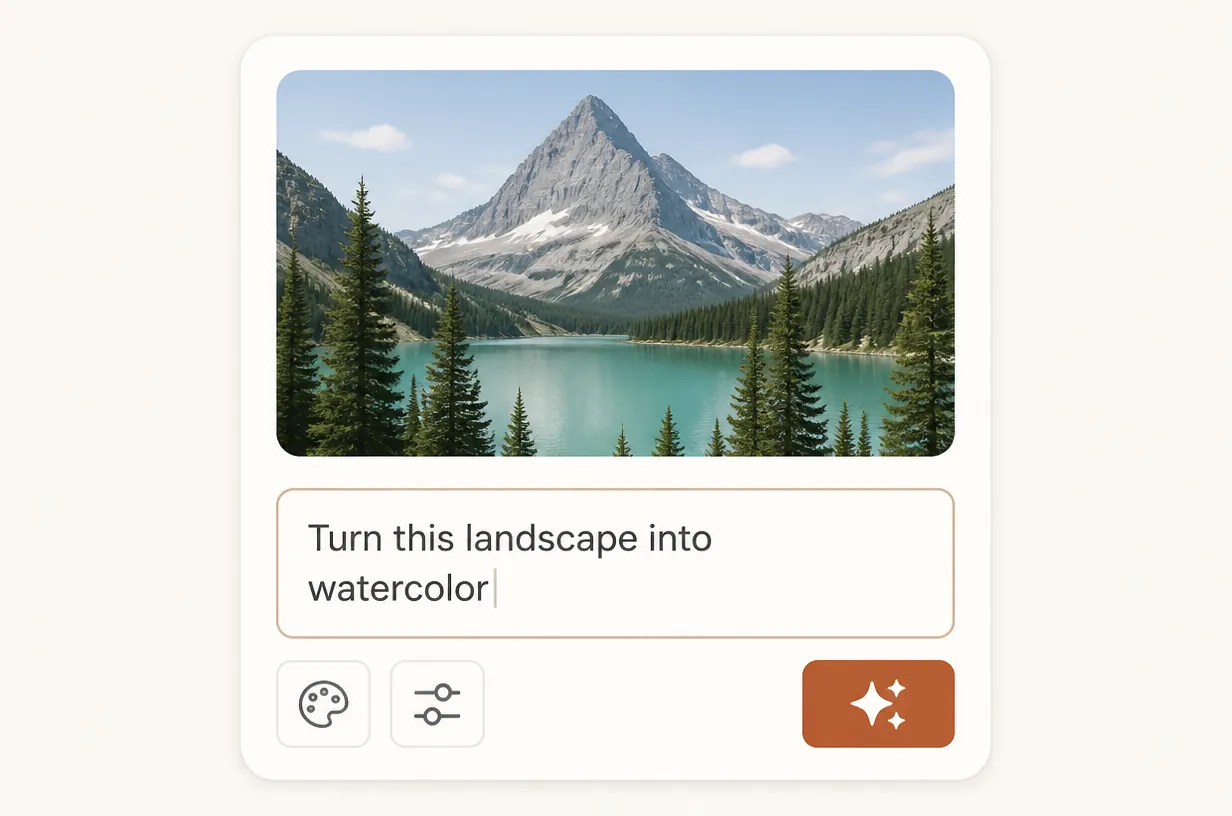
  2. A mountain photo above a prompt field reading "Turn this landscape into watercolor" and output controls.

    Describe your next version

    Say what should stay and what should change. Choose your output settings and review the credit cost.

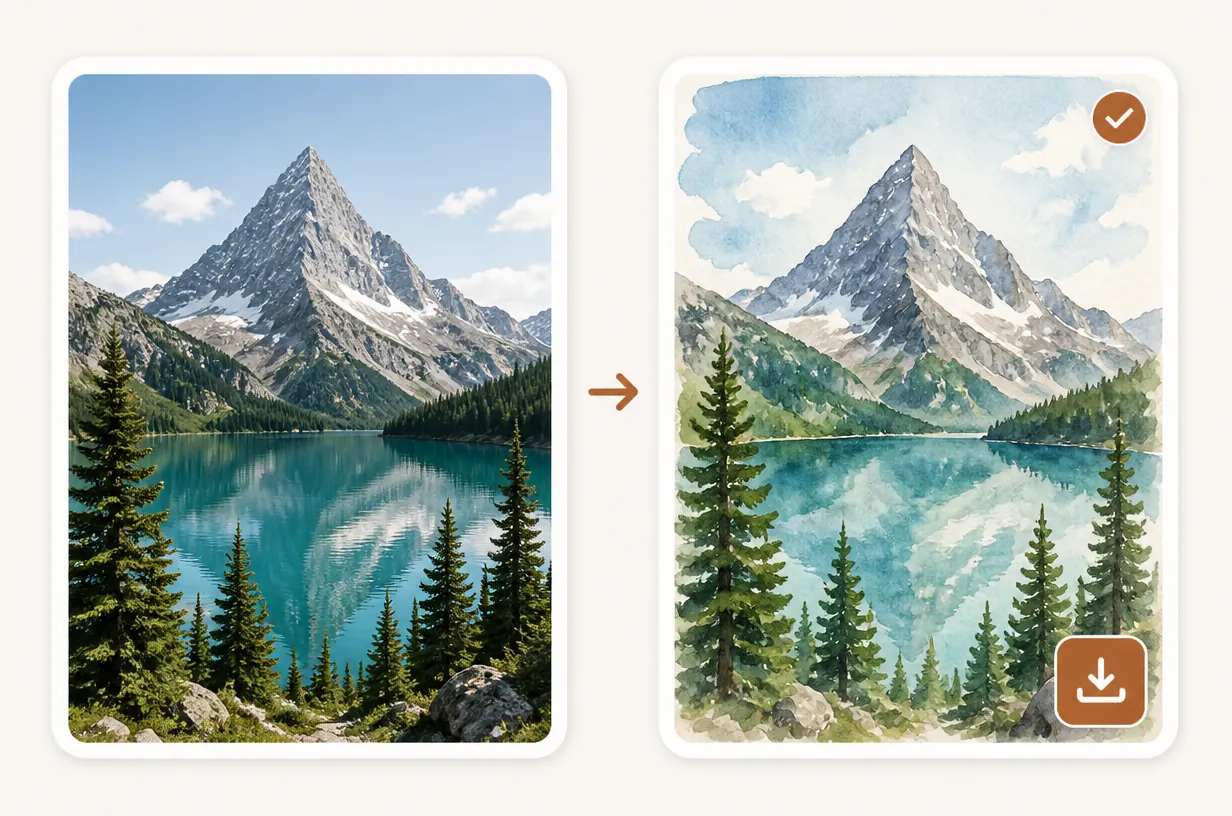
  3. A mountain photo beside its watercolor version with a completion checkmark and download button.

    Generate, refine, and download

    Compare the result with your references. Adjust your prompt to refine the details, then download the version you want.

Choose How You Want to Create

Compare plans and one-time credit packs for your next image project. Generation costs depend on your selected settings and appear in the tool before you start.

Subscribers get +50% extra credits at the same price

200 Credits

$5One-time payment

Subscribers receive: 300

  • Base credits: 200
  • Subscriber bonus: 100
  • No recurring billing
  • Valid for 6 months
Recommended

1,500 Credits

$29.9One-time payment

Subscribers receive: 2,250

  • Base credits: 1,500
  • Subscriber bonus: 750
  • No recurring billing
  • Valid for 6 months

3,000 Credits

$49.9One-time payment

Subscribers receive: 4,500

  • Base credits: 3,000
  • Subscriber bonus: 1,500
  • No recurring billing
  • Valid for 6 months

8,000 Credits

$99.9One-time payment

Subscribers receive: 12,000

  • Base credits: 8,000
  • Subscriber bonus: 4,000
  • No recurring billing
  • Valid for 6 months

A few useful answers

AI Image to Image FAQ

Have another question? Talk to us.

How is image to image different from text to image?

Image to image starts with an uploaded image and uses your prompt to guide a new version. Text to image starts with a written description alone.

Can I combine multiple reference images?

Yes. You can upload up to 16 reference images. Explain which image supplies the subject, setting, composition, or style so the instructions are clear.

How do I keep a face or product recognizable?

Use a clear reference and name the details you want to preserve. Ask for specific changes, then compare the result with the original. Exact detail preservation is not guaranteed.

Which image formats and sizes can I upload?

Upload JPG, PNG, or WebP files. Each image can be up to 20 MiB, with a combined limit of 99 MiB across your reference images.

What should I write in my prompt?

Describe what to keep, what to change, and how the finished image should look. Include the style, setting, lighting, or materials that matter to your result.

Can I turn a sketch into a rendered image?

Yes. Upload your sketch and describe the desired materials, colors, and lighting. Ask the model to follow the main shapes and proportions while developing the visual details.

Do I need an account to use the tool?

Yes. You can add reference images and choose your settings before signing in to generate. Create an account with a Google email to get 30 free credits.

How much does image to image cost?

The credit cost depends on your selected model, resolution, quality, and image count. Review the total before generating, and compare plans or one-time credit packs in the pricing section.

Your next image starts here

Make Your Photo's Next Version

Start with a photo you already have. Turn it into a new look, a different scene, or a concept you can keep refining.

View Plans & Credits

Sign in to generate. For more images, compare plans and credit packs.